The learning lines

Everything we teach, on screen and on paper

subjects
6
steps
337
exercises
7,765
explanation pages
290

See everything we teach, year by year

Making a worksheet

From topic to sheet on the desk

  1. Choose the topic

    A subject, a topic or a whole learning line.

  2. Choose the help

    With the method at the top of the sheet, or without.

  3. Print

    A pupil sheet and an answer sheet. New questions every time.

  4. Let them mark it

    With an account you add a QR code. Then pupils mark their own work.

  • Every pupil gets their own questions
  • No multiple choice: pupils work out the answer themselves
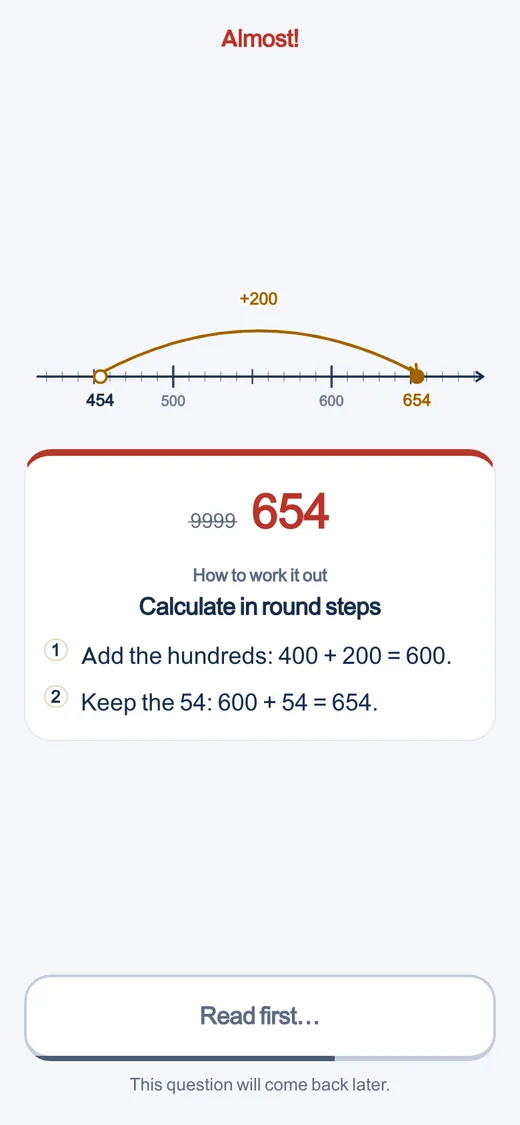
  • What does not work yet comes back later
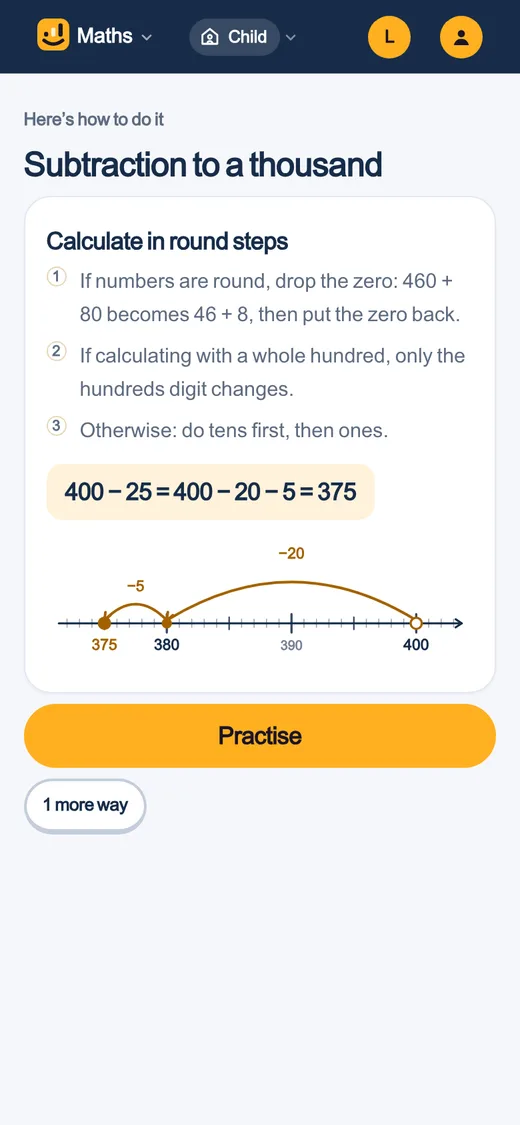
First the method, then practice
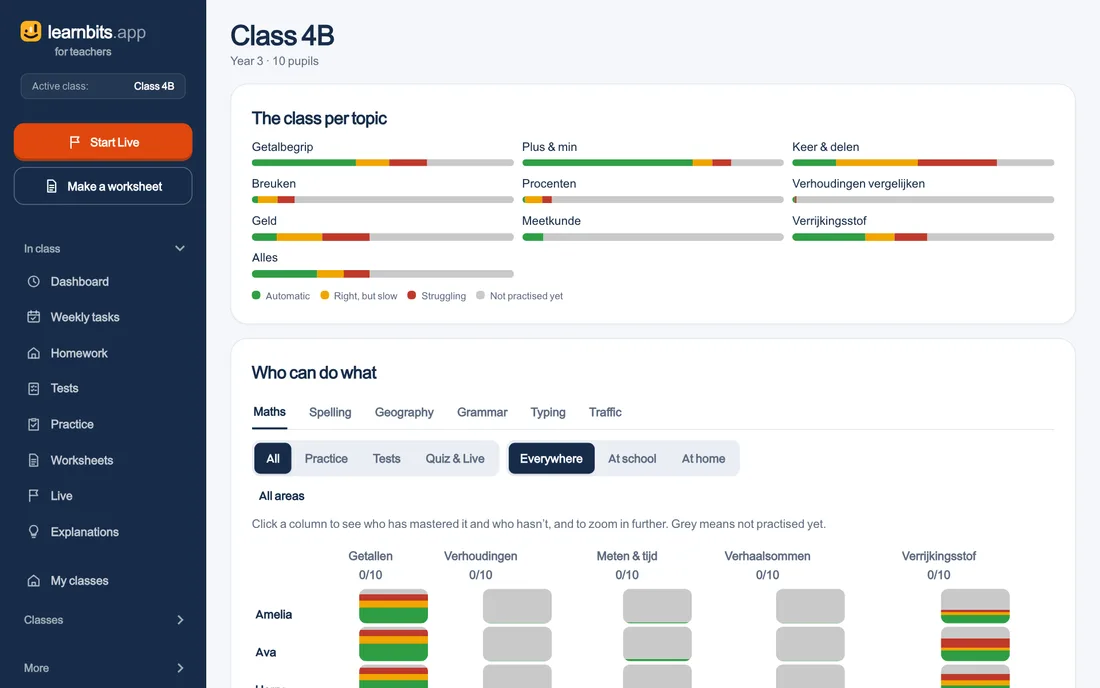
The class per topic
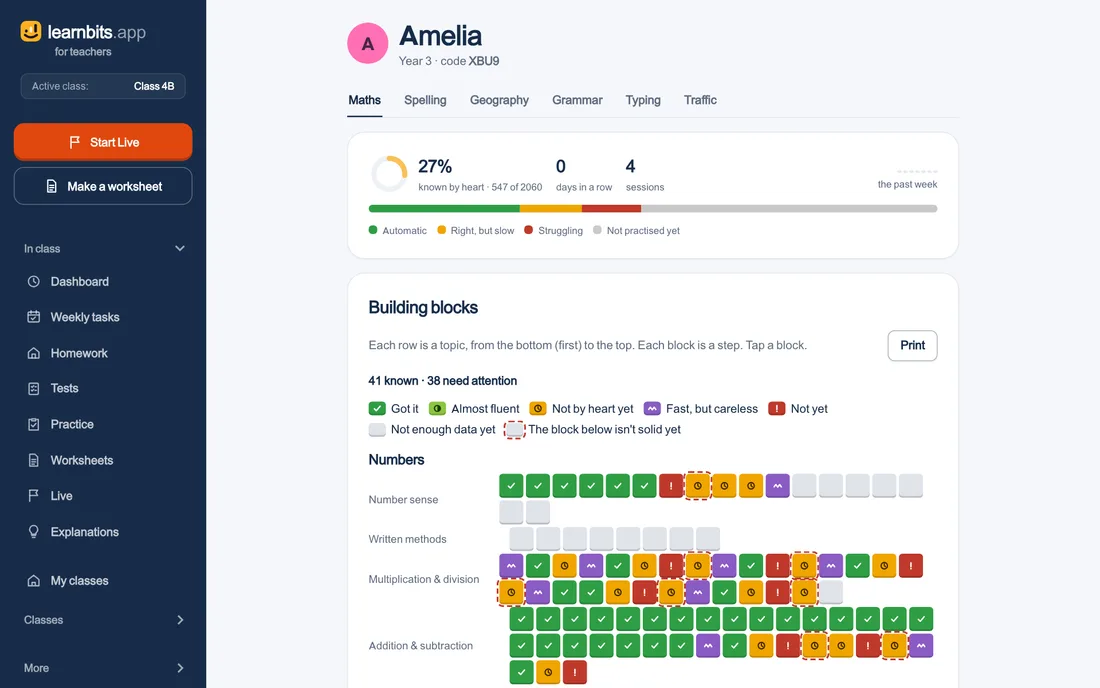
The class overview: per topic a bar from automated to not yet practised, and per pupil who can do what
  • For the whole class or only for those who need it
  • Done after one round, or only once it sticks
  • Mastery learning on or off per subject
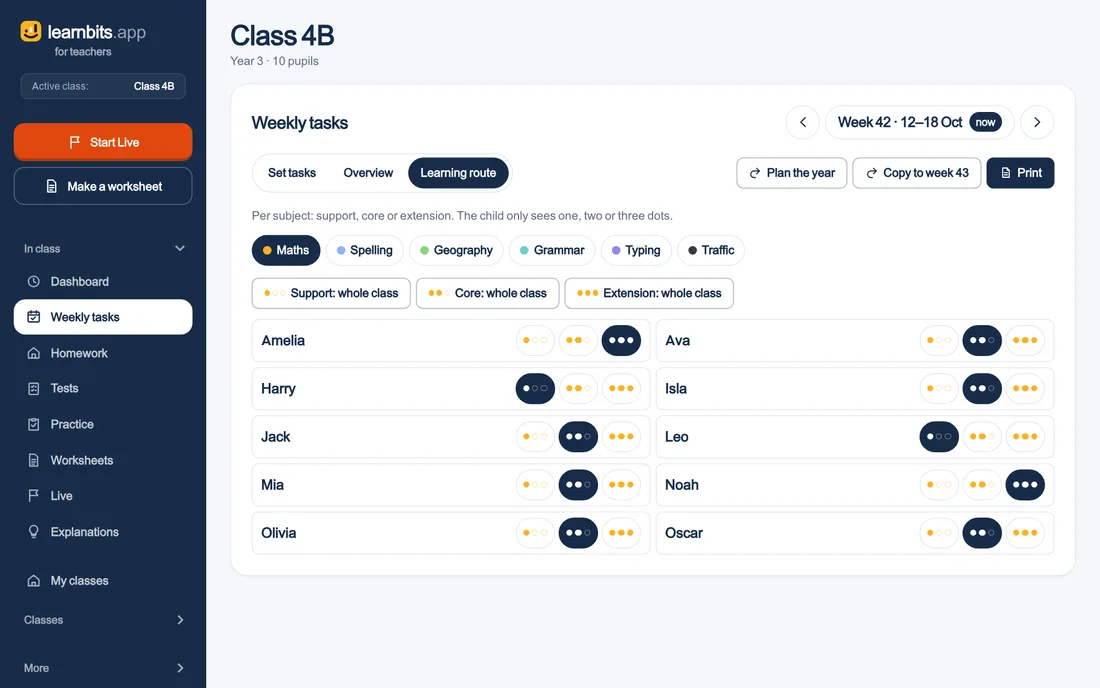
  • Three learning routes: support, core and extension
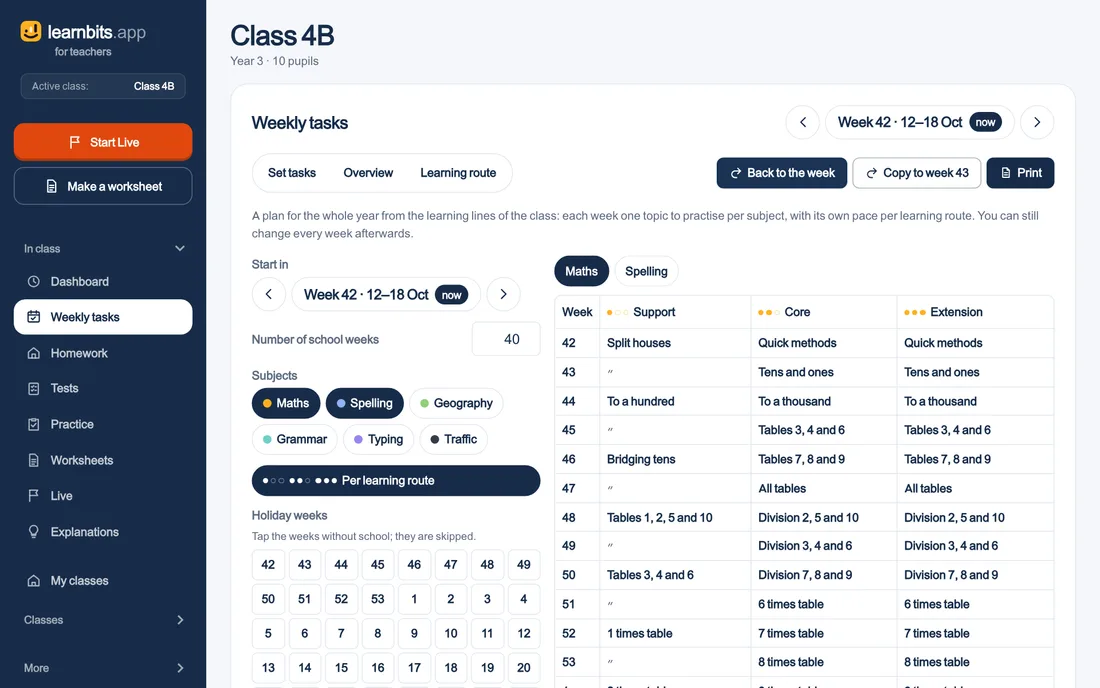
  • The year plan spreads your class’s learning line over forty weeks
  • Copy the week, and every path moves on one step
Setting up the week
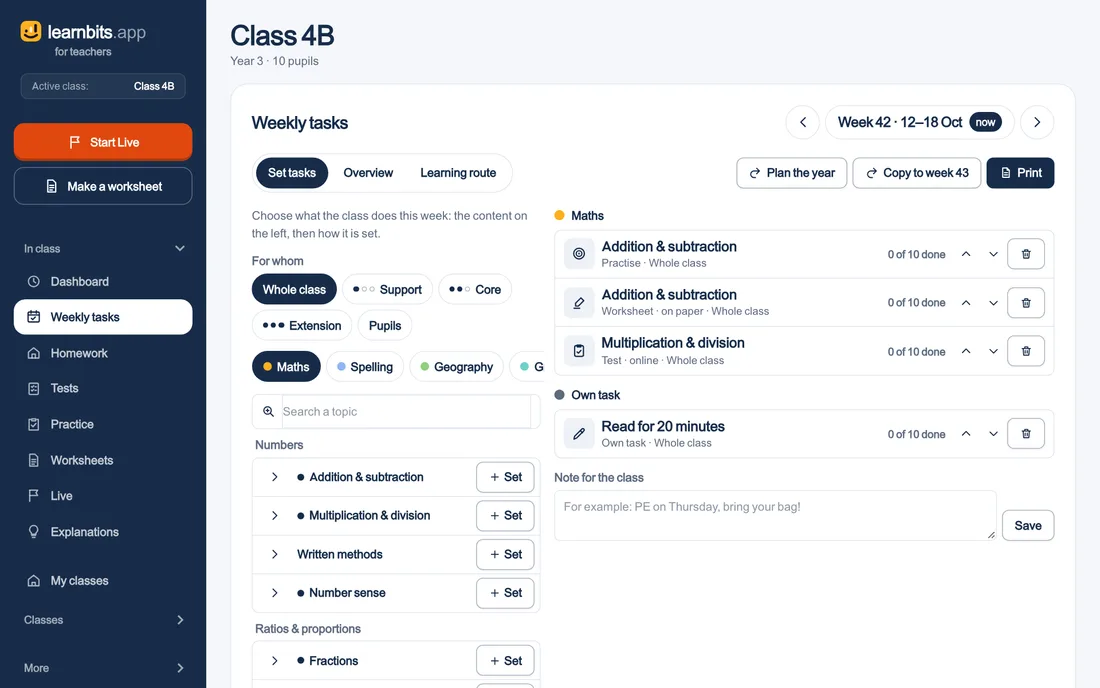
The week planner: topics per subject on the left, what the class does this week on the right
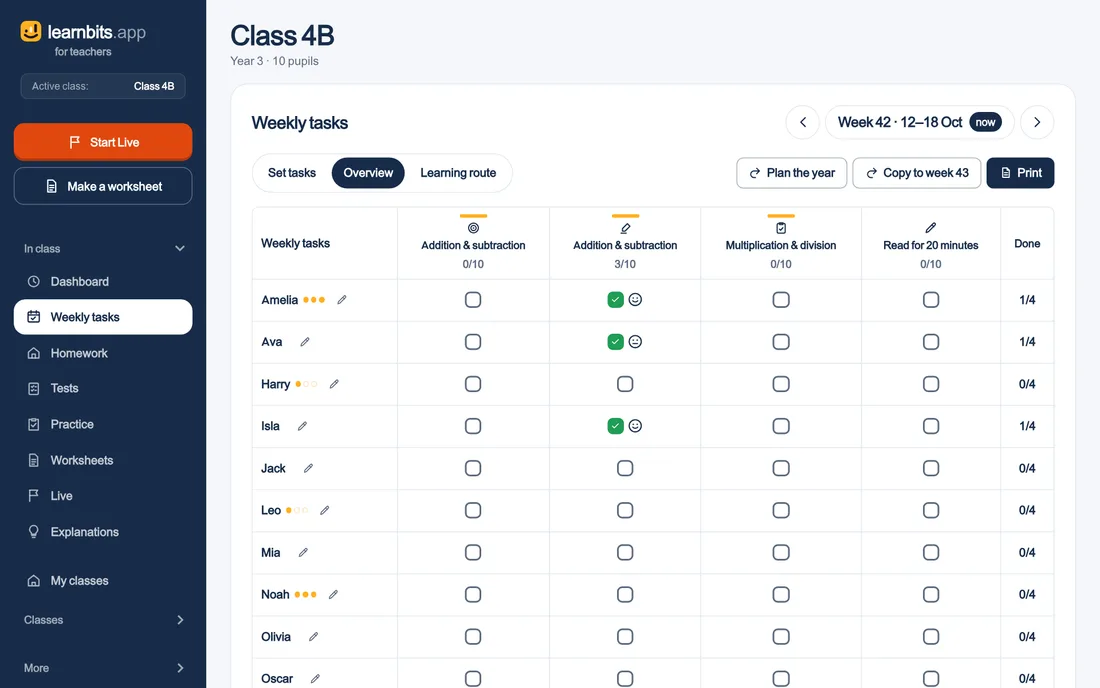
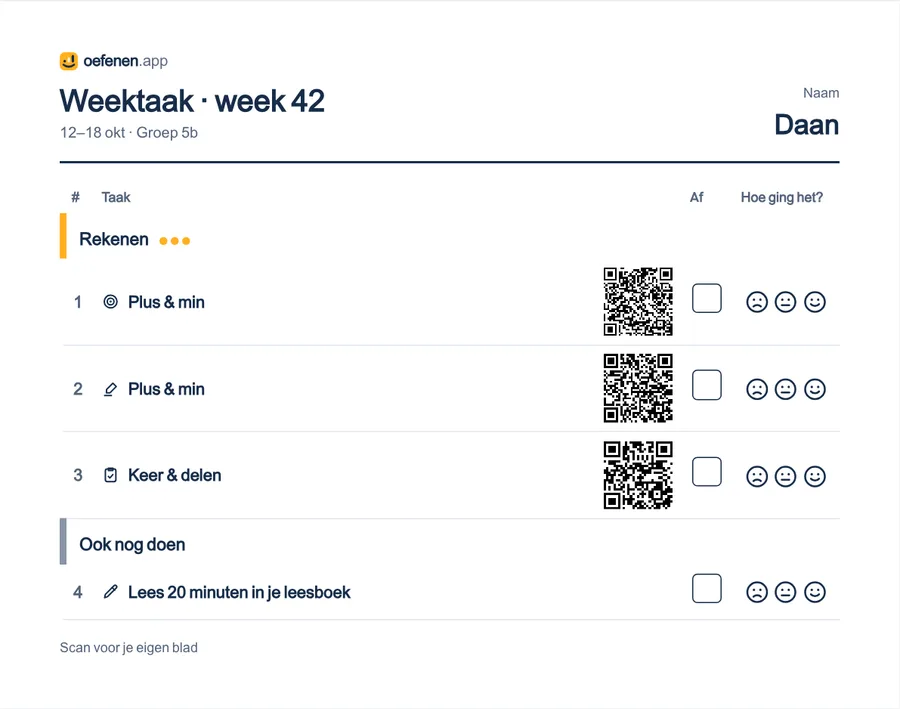
The week on paper, per pupil
  • The worksheets and tests behind it, with names
  • A box to tick and three smileys
  • Everything in one PDF
  • A correct answer is one step for everyone
  • No leaderboard for speed
  • It all counts in your overview
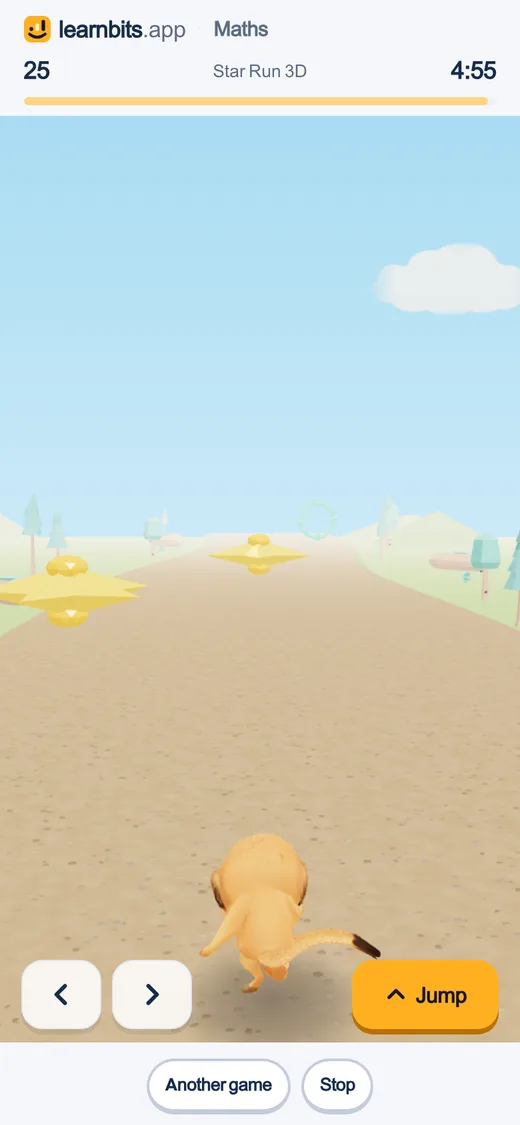
Practising together as a game

The QR code

Three modes, and you choose

  • Answers

    The code opens the answer sheet. Handy if you mark it yourself.

  • Enter

    The pupil fills in their answers and sees their score straight away. The result comes to you.

  • Class

    Every pupil gets their own code, with their name already filled in.

For teachers

Frequently asked questions

Do I need an account?

Not for a worksheet. You do for your class, the QR code and Live.

What does it cost?

Nothing this school year. What it costs after that, you will hear well in advance, and then you decide.

What does it cover?

Everything for ages 6 to 15. The learning lines page shows what is in it, per subject and per year.

Do pupils need an email address?

No. They log in with a login card, the class code or their Google school account.

Start tomorrow?

Create an account with your school email address. The start guide sets up your class in five steps.